
Best Discounts

The best discounts this week
Every week you can find the best discounts here.
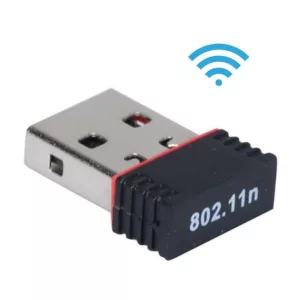
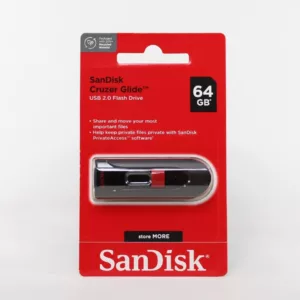
₦14,500.00
Sandisk flash drive 64GB
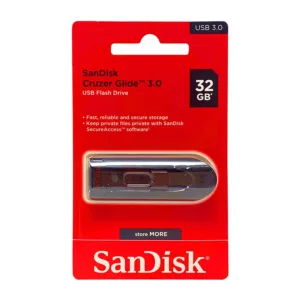
₦9,000.00
Sandisk flash drive 32GB
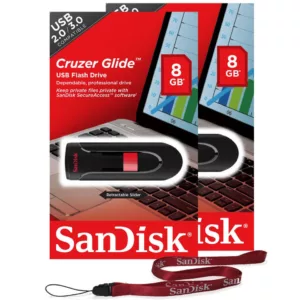
₦4,000.00
SanDisk Ultra FlashDrive 8GB
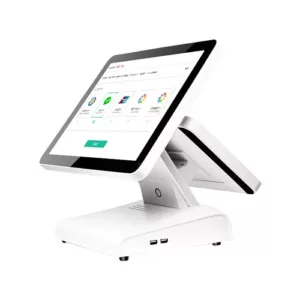
₦620,000.00
Veeda point of sale machine double screen
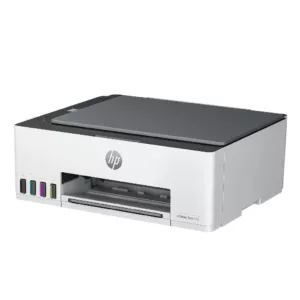
₦240,000.00
HP Smart Tank 580 All-in-One Printer
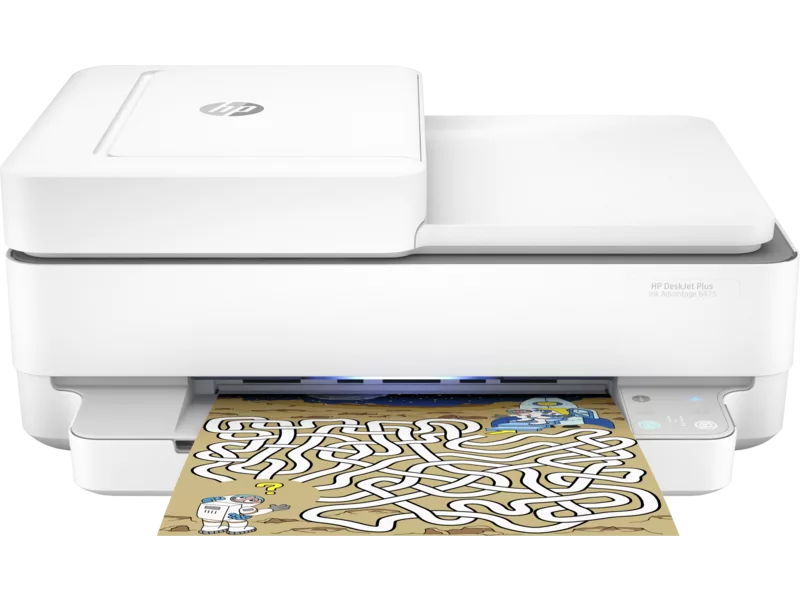
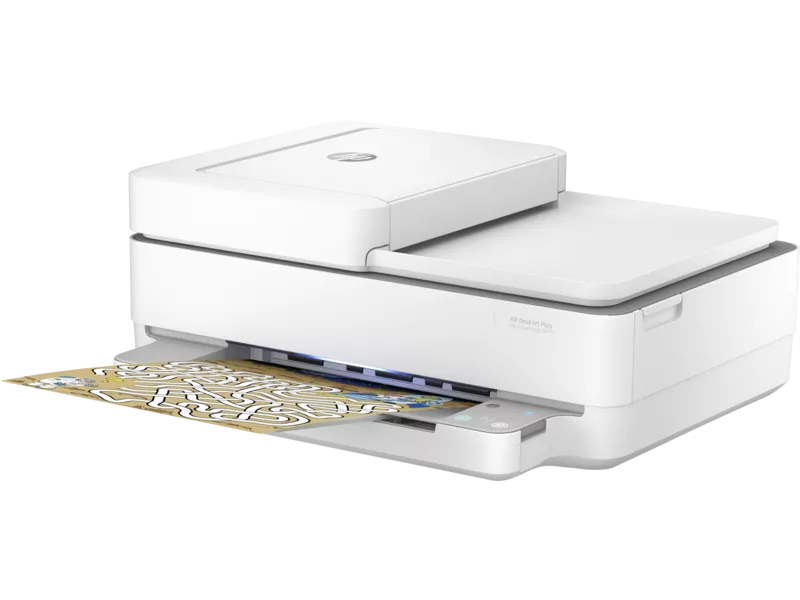
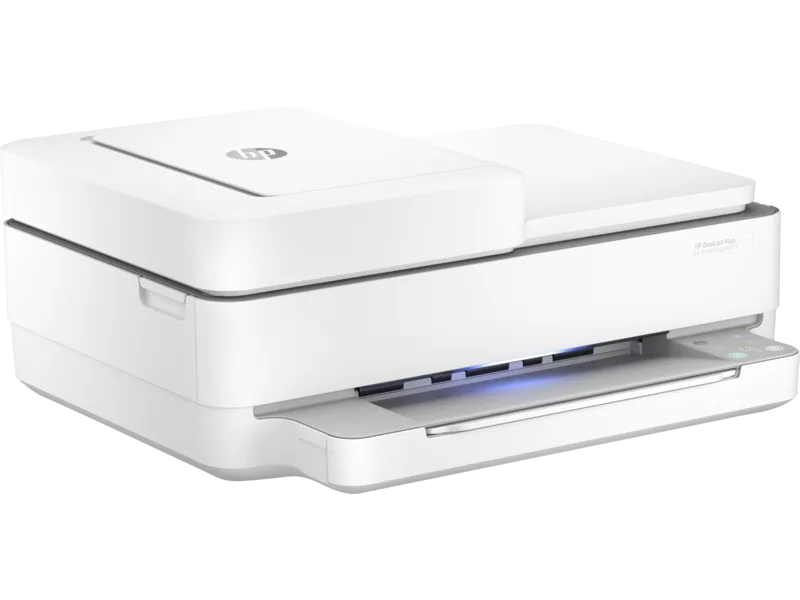
HP DeskJet Plus Ink Advantage 6475 All-in-One Printer (5SD78C)
₦80,000.00
In Stock
| Functions | Print, copy, scan, wireless, send mobile fax |
|---|---|
| Print speed black (ISO) | Up to 10 ppm |
| Print speed black (draft, A4) | Up to 20 ppm |
| Print speed black (ISO, A4) | Up to 10 ppm |
| Print speed color (ISO) | Up to 7 ppm |
| Print speed color (draft, A4) | Up to 17 ppm |
| Print Speed Color (ISO) | Up to 7 ppm |
| First page out black (A4, ready) | As fast as 18 sec |
| First page out color (A4, ready) | As fast as 21 sec |
| Duplex printing | Automatic (standard) |
| Duty cycle (monthly, letter) | Up to 1000 pages |
| Duty cycle (monthly, A4) | Up to 1000 pages |
| Recommended monthly page volume | 100 to 400 |
| Print quality black (best) | Up to 1200 x 1200 rendered dpi (when printing from a computer) |
| Print quality color (best) | Up to 4800 x 1200 optimised dpi colour (when printing from a computer on selected HP photo papers and 1200 input dpi) |
| Print languages | HP PCL 3 GUI |
| Print technology | HP Thermal Inkjet |
| Connectivity, standard | 1 Hi-Speed USB 2.0; 1 Wi-Fi 802.11ac (dual band) |
| Mobile printing capability | Apple AirPrint™; Chrome OS; HP Smart app; Mopria-certified |
| Network capabilities | Built-in Wi-Fi 802.11b/g/n |
| Wireless capability | Yes, built-in Wi-Fi 802.11b/g/n |
| Minimum System Requirements for Macintosh | MacOS Sierra v10.12 (previously OS X), macOS High Sierra v10.13, macOS Mojave v10.14, macOS Catalina v10.15, 2 GB available hard disk space, Internet Access |
| Minimum System Requirements | Windows 10, 7: 1 GHz 32-bit (x86) or 64-bit (x64) processor, 2 GB available hard disk space, Internet connection, USB port, Internet Explorer |
| Processor speed | 800 MHz |
| Maximum Memory | 128 MB DDR3
|
| Memory | 128 MB DDR3 |
| Compatible Operating Systems | Windows 11; Windows 10; Windows 7; macOS 10.12 Sierra; macOS 10.13 High Sierra; macOS 10.14 Mojave; macOS 10.15 Catalina |
| Paper handling input, standard | Up to 100 sheets input tray |
| Paper handling output, standard | 25-sheet output tray |
| Finished output handling | Sheetfed |
| Media types | Plain Paper; HP Photo Papers; HP Matte Brochure or Professional Paper; HP Matte Presentation Paper; HP Glossy Brochure or Professional Paper; Other Photo Inkjet Papers; Other Matte Inkjet Papers; Other Glossy Inkjet Papers; Plain Paper, Light/Recycled |
| Media sizes supported | A4; A5; B5; DL; C6; A6 |
| Media sizes, custom | Simplex: 76.2 x 127 mm to 216 x 594 mm; Duplex: 76.2 x 127 mm to 216 x 594 mm |
| Borderless printing | Yes (up to 8.5 x 11 in, 210 x 297 mm) |
| Media weight, recommended | 75 g/m² |
| Scanner type | Flatbed, ADF |
| Scan file format | RAW, JPG, PDF |
| Enhanced scanning resolution | Up to 1200 dpi |
| Scan resolution, optical | Up to 1200 dpi |
| Scan size (ADF), maximum | 215.9 x 297 mm |
| Scan size, maximum | 215.9 x 297mm |
| Scan speed (normal, A4) | Up to 7 ipm (black and white), 3 ipm (colour) |
| Automatic document feeder capacity | Standard, 35 Sheets |
| Scan technology | CIS |
| Copy speed black (ISO) | Up to 8 cpm 4 |
| Copy speed color (ISO) | Up to 4 cpm 4 |
| Copy resolution (black text) | Up to 300 x 300 dpi |
| Copy resolution (color text and graphics) | 300 x 300 dpi |
| Copy resolution (black graphics) | Up to 300 x 300 dpi |
| Copies, maximum | Up to 9 copies |
| Copy reduce / enlarge settings | Via HP Smart app |
| Copier settings | Colour, monochrome |
| Fax Transmission Speed | 14.4 kbps 5 |
| Fax Resolution Black (best) | Up to 150 x 150 dpi |
| Power consumption | 0.10 Watts (off) , 4.0 Watts (ready) , 1.70 Watts (sleep) |
| Power | Input voltage: 220 to 240 VAC (+/- 10%), 50/60 Hz, 0.7A |
| Operating humidity range | 20 to 80% RH (non-condensing) |
| Recommended operating humidity range | 25 to 75% RH (non-condensing) |
| Non-Operating Humidity Range | 20 to 80% RH (non-condensing) |
| Operating temperature range | 5 to 40°C |
| Typical electricity consumption (TEC) number | 0.31 kWh/Week |
| Safety | EN 60950-1:2006+A11:2009+A1:2010+A12:2011+A2:2013, IEC 60950-1:2005+A1:2009 +A2:2013, EN 62368-1:2014+A11:2017, IEC 62368-1:2014, EN 62479:2010, EN 62311:2008 |
| Minimum dimensions (W x D x H) | 432.5 x 361.1 x 174 mm 6 |
| Maximum dimensions (W x D x H) | 432.5 x 511.5 x 132.1 mm 6 |
| Weight | 6.16 kg |
| What’s in the box | HP DeskJet Plus Ink Advantage 6475 All-in-One Printer; HP 653 Setup Black Cartridge; HP 653 Setup Tri-Color Cartridge; Regulatory flyer; Setup guide; Reference guide; Power cord; |
| Number of print cartridges | 2 (1 each black, tri-color) |
| Replacement cartridges | 3YM74AL HP 653 Tri-color Original Ink Advantage Cartridge (~200 pages yield); 3YM75AL HP 653 Black Original Ink Advantage Cartridge (~360 pages yield); 3YM76AE HP 682 Tri-color Original Ink Advantage Cartridge (~150 pages yield); 3YM77AE HP 682 Black Original Ink Advantage Cartridge (~480 pages yield); 3YM78AE HP 667 Tri-color Original Ink Advantage Cartridge (~100 pages yield); 3YM79AA HP 667 Black Original Ink Advantage Cartridge (~120 pages yield); 3YM81AA HP 667XL Black High-Yield Original Ink Advantage Cartridge (~480 pages yield); 3YM80AA HP 667XL Tri-Color High-Yield Original Ink Advantage Cartridge (~330 pages yield) |
| Manufacturer Warranty | One-year limited hardware warranty; 24-hour, 7 days a week support |
In Stock
Compare
- Delivered today (order Mon-Sat before 12:00, delivery between 17:00 and 22:00)
- Including shipping costs, sent by Datazeal
- Pick up at a our physical store is possible
- 5 days to change your mind and free returns
- Customer service
Description
| Seamless setup | Get started fast with simple setup that guides you through each step, using HP Smart app. |
|---|---|
| Your reliable connection | Reduce interruptions with self-healing Wi-Fi™ that keeps you connected. |
| Hands-free. Auto-fed. | Work fast and hands-free – the 35-page auto-feeder helps you complete scan and copy jobs quickly. |
| Print, scan, and copy from your phone | With HP Smart app, print everyday documents, get high-quality scanning and sharing, and easily make copies – all from your phone. |
| Modern faxing is mobile faxing | Save time by sending a mobile fax from your smartphone, tablet, or PC for 24 months, with HP Smart app. |
| Tackle the essentials | Get versatile performance and print, scan, and copy. |
| Ready. Set. Connect. | Get connected with Bluetooth® and start printing fast from your smartphone or tablet – easy setup. |
| Connect your printer with USB | Easily connect your printer to your computer with the built-in USB port. |
| Extend your printing reach | Built-in wireless capabilities let you easily access, print, and share resources on a network. |
| Automatic two-sided printing | Save time and paper when printing everyday and business documents with automatic two-sided printing. |
| Exceptional HP print quality | Original HP ink cartridges deliver sharp text and vibrant graphics for all your everyday documents and photos. |
Related products


21%

Out of stock
HP LaserJet Enterprise Flow MFP M880z (A2W75A) – multifunction printer
Original price was: ₦3,394,210.00.₦2,698,605.00Current price is: ₦2,698,605.00.
Reviews
There are no reviews yet.